Digita Wordworth for Amiga and Windows
Remembering a classic word processor and its approach to creative document layout.
Word processing and page design on the Amiga
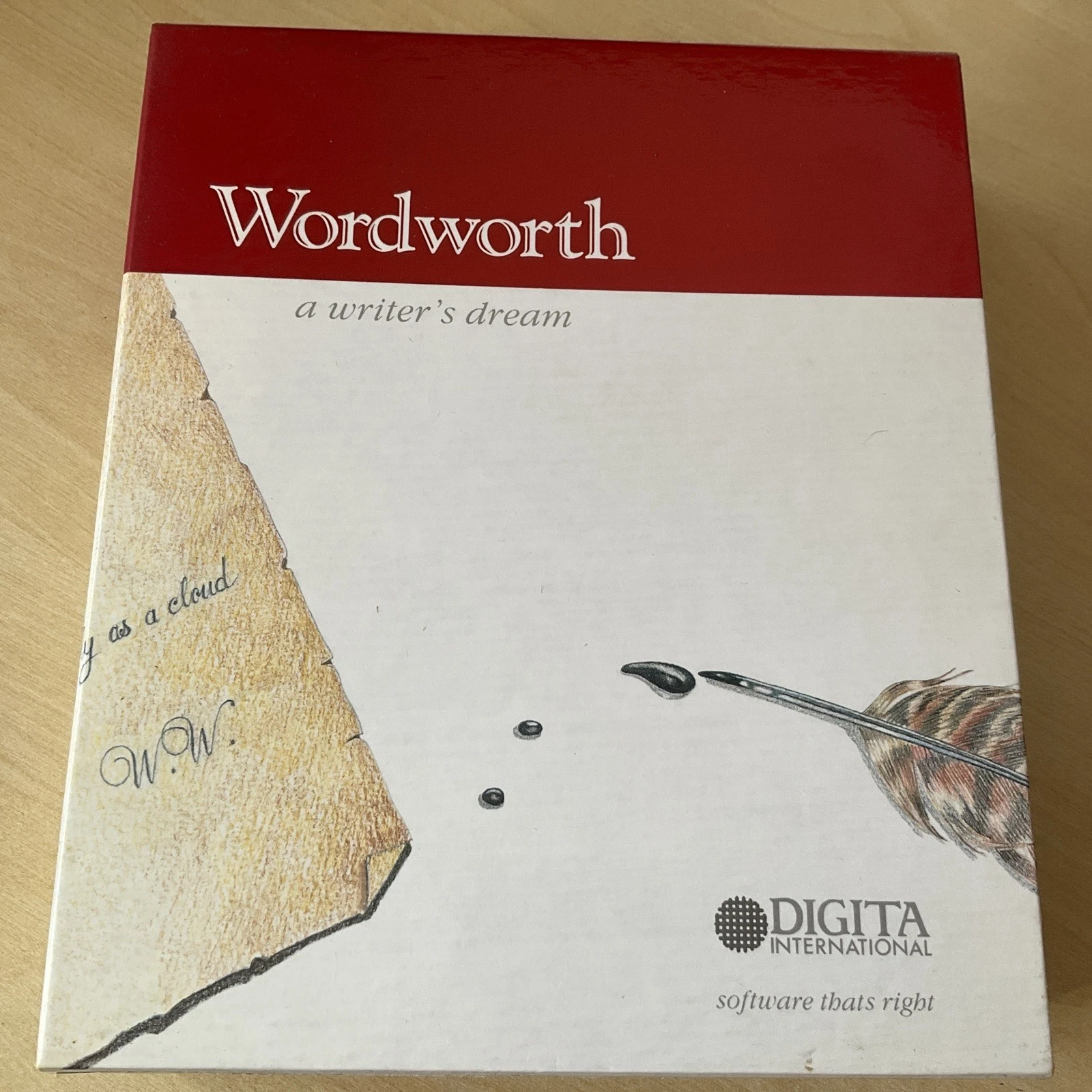
Digita Wordworth brought writing and visual document composition together on the Commodore Amiga in the 1990s. Its original packaging presented it as a tool for writers, while screenshots demonstrated its broader page-layout ambitions.
Recognition in the specialist press
Wordworth received an Amiga Format Gold Award in 1992. Our illustrated history preserves review references from Amiga Format and Amazing Computing, alongside original packaging and advertising.
From Amiga to Windows
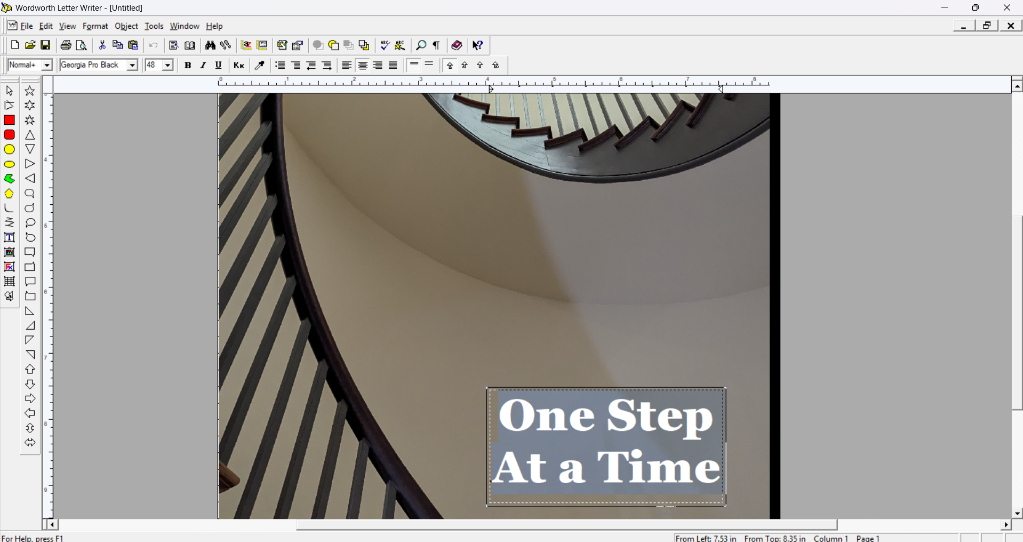
The developer behind WrightType wrote both the Amiga and Windows versions of Wordworth. The Windows screenshot below shows how the application combined text, photographs, rulers and drawing tools.
Is there a modern alternative to Digita Wordworth?
WrightType is a new word processor being developed by the original developer of the Amiga and Windows versions of Wordworth. It revisits the combination of flowing text, typography, rulers and creative picture placement that made traditional document processors distinctive, while exploring a new workspace for modern computers.
WrightType is not the original Wordworth application running in an emulator. It is a separate product with its own document format and developing browser and desktop editions. Watch the full WrightType demonstration to see the new editor in action.
Can I run Wordworth on Windows 11?
Compatibility depends on the original Wordworth version, installer and operating environment. Older Windows software may encounter installation or runtime problems on modern systems. Amiga versions require an appropriate Amiga environment, such as original hardware or a compatible emulator. We do not certify the original Wordworth releases for Windows 11.
What about Wordworth documents today?
Keep original WWD files and backups. WrightType is investigating compatibility with the legacy format, but complete compatibility is not promised at launch. WrightType is a separate new product, not a re-release of Wordworth.
How to preserve old WWD documents
Read our dedicated guide to opening and recovering Wordworth WWD files.
- Keep an untouched copy of each original file and make a separate backup.
- Record the Wordworth version and platform if known.
- If you still have a working installation, check its available export and printing options. A plain-text copy can preserve words but not complex formatting.
- Retain any associated pictures and fonts, and preserve a visual reference of important pages where possible.
Do not rename a WWD file to DOCX and expect it to convert. If testing a new importer, use copies and compare the results with the original document. If you have legacy files and would like to enquire about compatibility testing, contact us before sending any documents, especially those containing personal information.
Read about KindWords 3 and the Creative Desktop vision.
Follow the next chapter